A light table for your film scans.
Photograph your negatives, drop in the folder, set the roll up once. Invera Lab inverts, straightens and crops every frame on your Mac, and flags dust and hair for you to review.
Download on the Mac App Store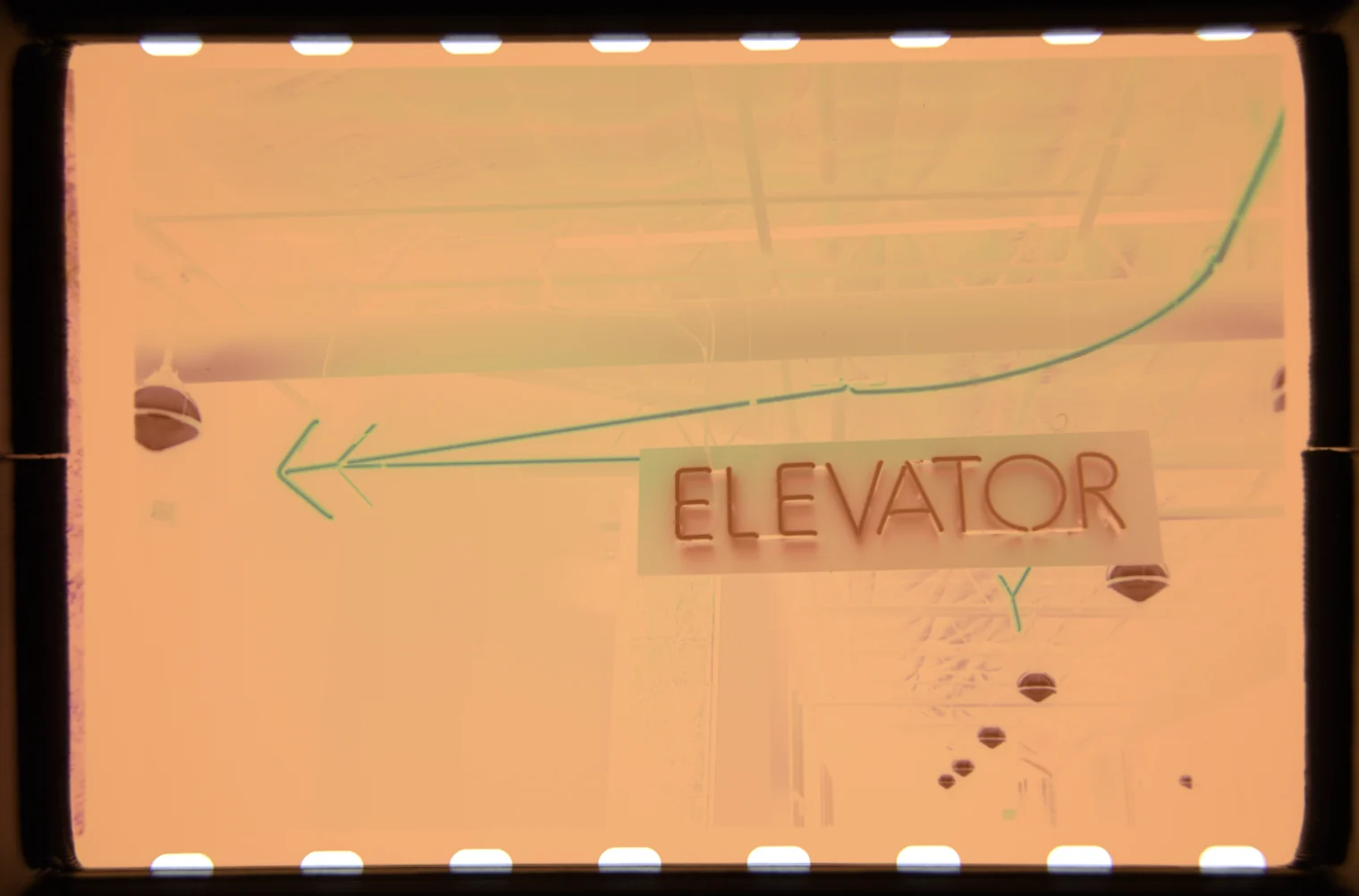
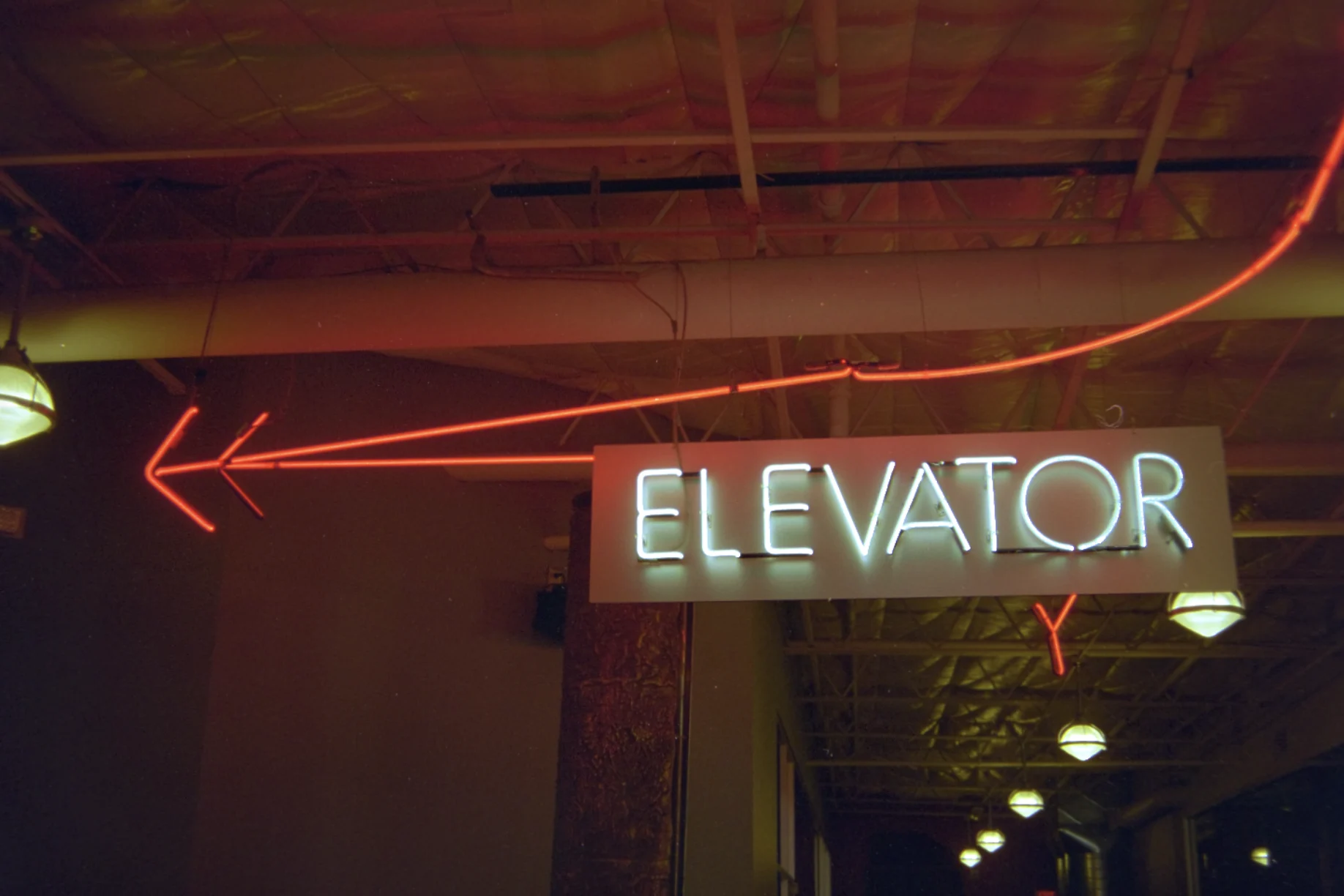
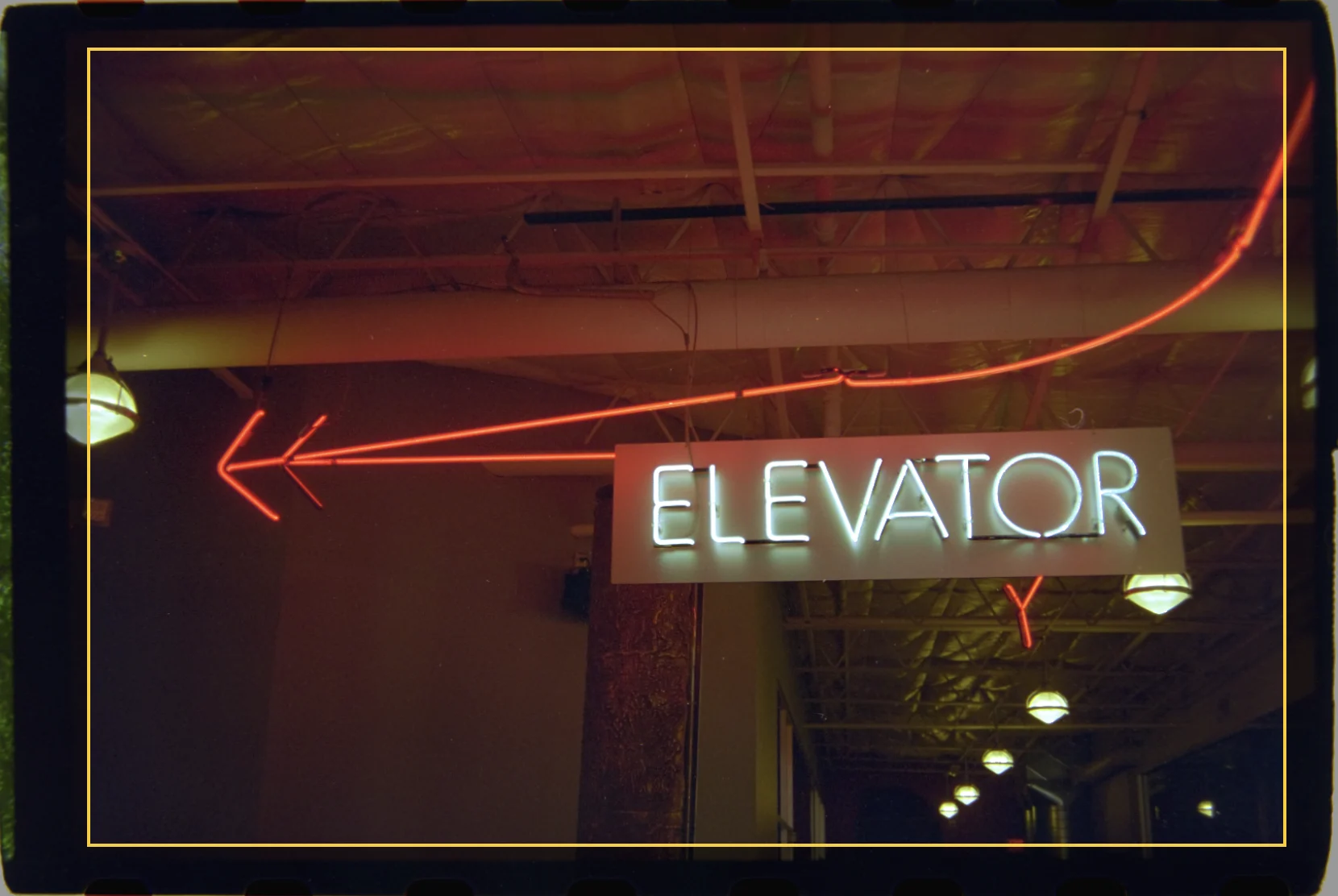 Detected crop
It finds the frame from the sprocket holes.
A perforation is a known size on a known pitch. Hole size gives the scale, the visible holes anchor the grid, and the frame is extrapolated from them, even when only one or two holes show.
If the crop lands a little off, nudge it with the arrow keys. The offset is saved per photo.
- Perforation
- 1.98 mm
- Pitch
- 4.75 mm
- Per frame
- 8 perfs, 3:2
One setup. The whole roll.
Set the roll up once
Film stock, backlight, flat field, balance and crop, with every thumbnail updating live. Import applies it to all of them.
Check what matters
Histogram, focus peaking and a clipping overlay sit beside the photo. Copy one look to the rest of the roll.
Dust and hair, reviewed by you
Confident finds are healed. Anything uncertain stays a suggestion until you click it. In a test with synthetic hairs, about 80% were found.
Nothing leaves your Mac
Processing is on-device, with no account. Settings are saved in the roll’s own folder.
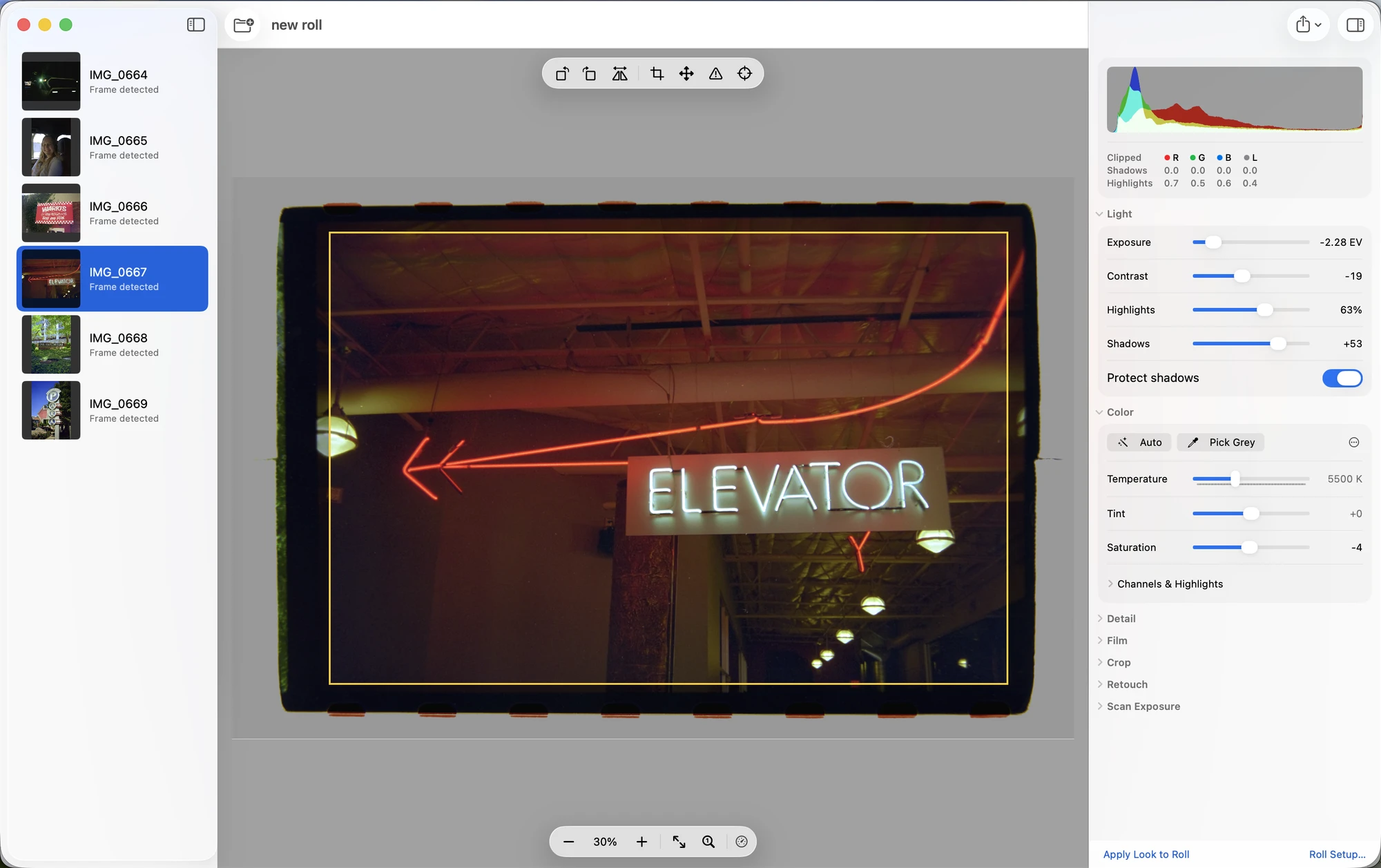
Swipe the window to see the inspector.
Your next roll, converted.
35 mm, one frame per scan. Shoot RAW with a fixed white balance and an unclipped film base.